Stories
Notes on the ideas behind the app, the choices in its design, and what I have learned by using it myself.

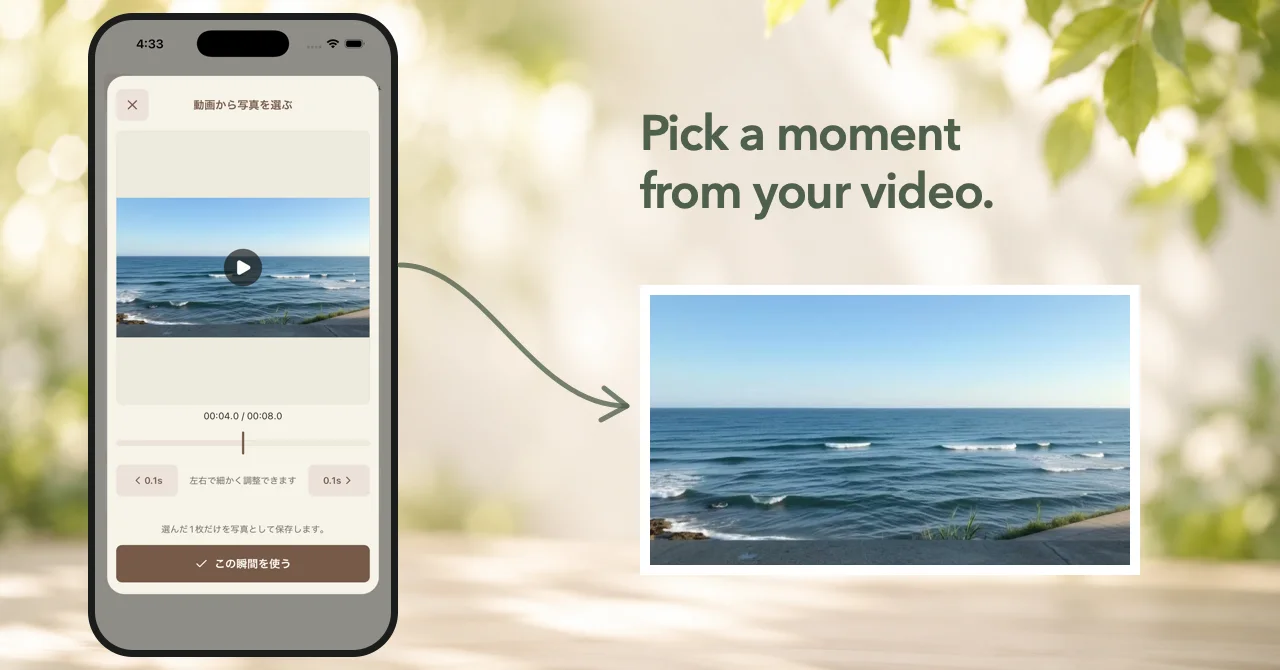
Choose one moment from a video and save it as the photo for a diary entry. Long entries with photos also flow more naturally below the image.
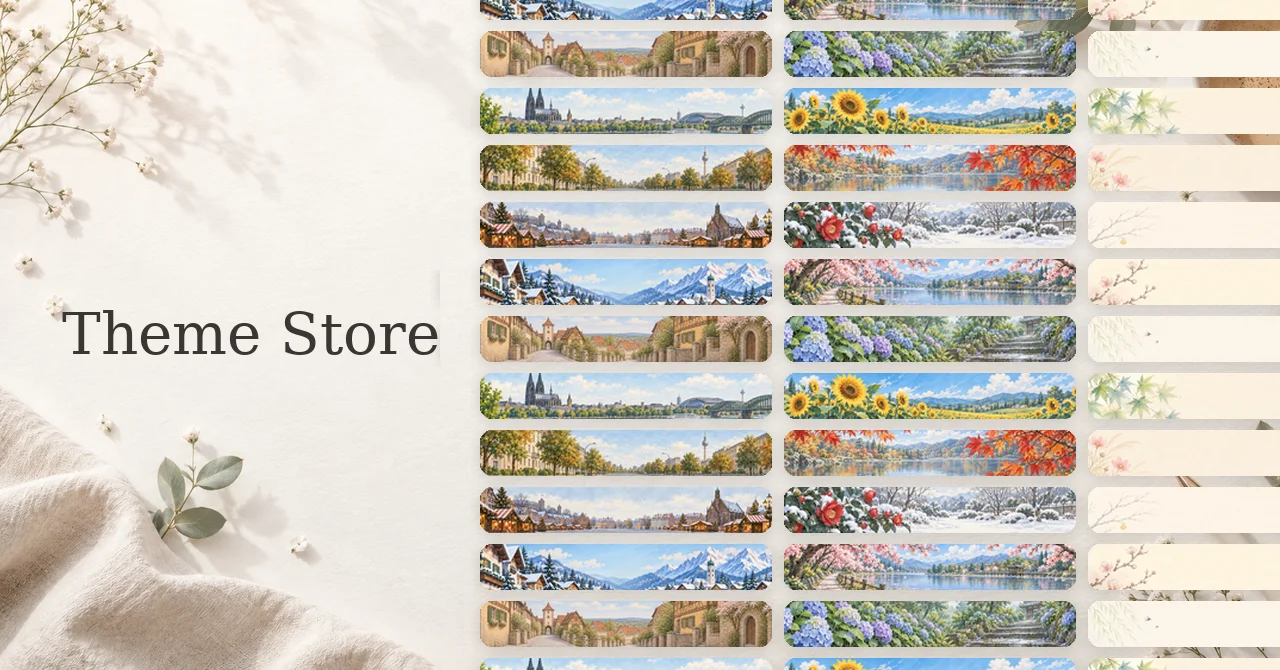
Theme Store lets you choose the look of your diary, including themes whose plants, seasons, and destinations change over time.
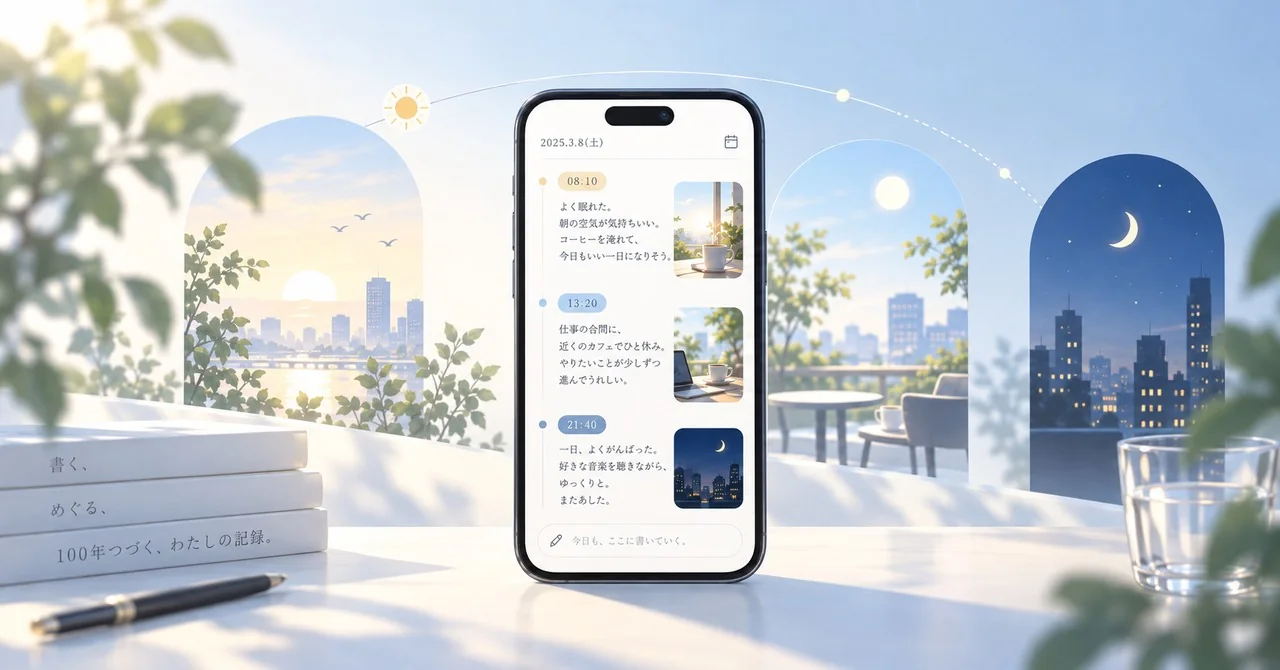
Version 1.5.0 lets you insert the current time into an entry. I also tried automatic timestamps, but kept the final design manual so writing stays predictable.
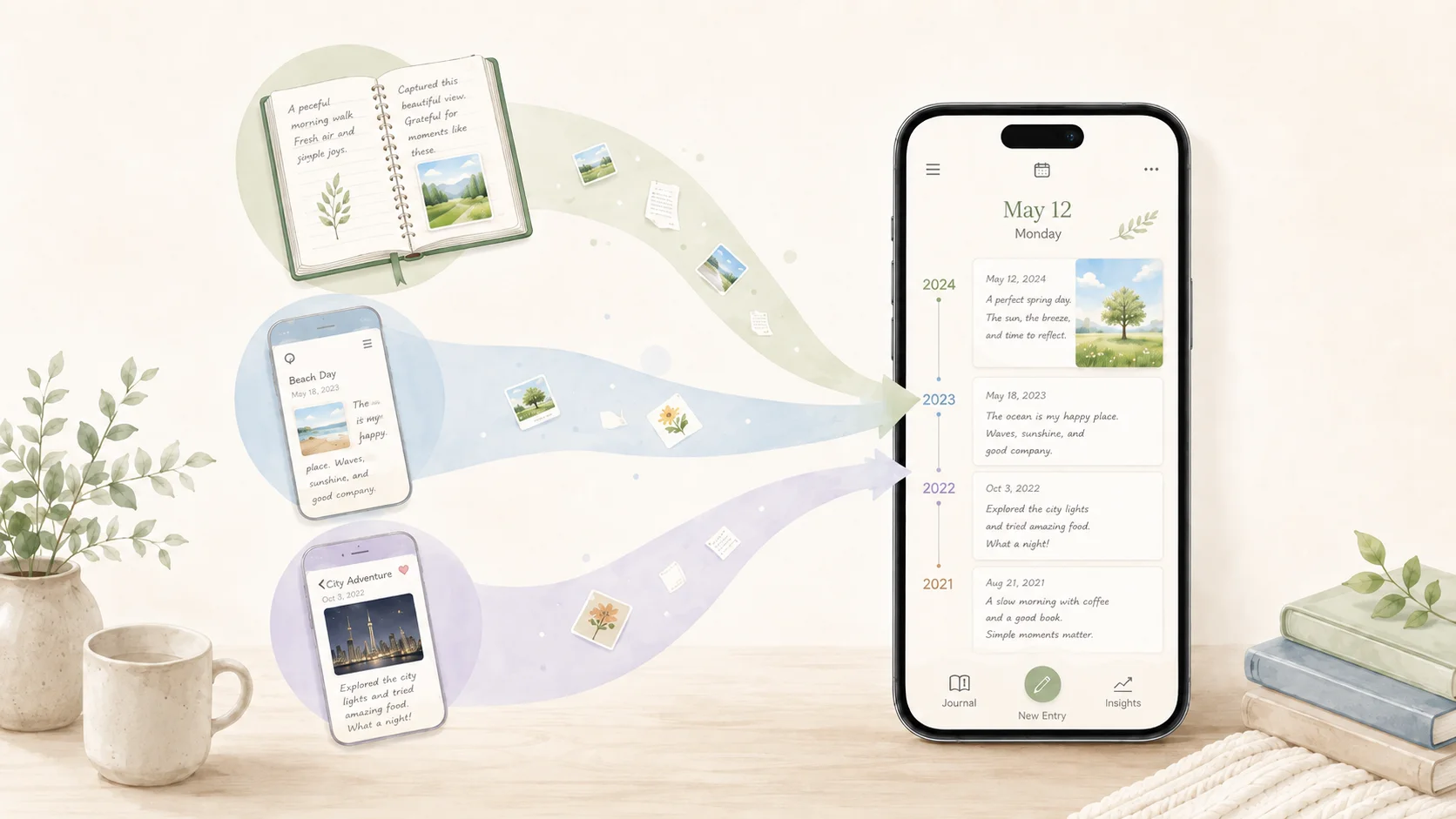
Version 1.4.0 lets you move past entries and photos from Day One, 10 Year Diary, and Apple Journal into 100 Year Diary, with a review step that protects entries already in the app.
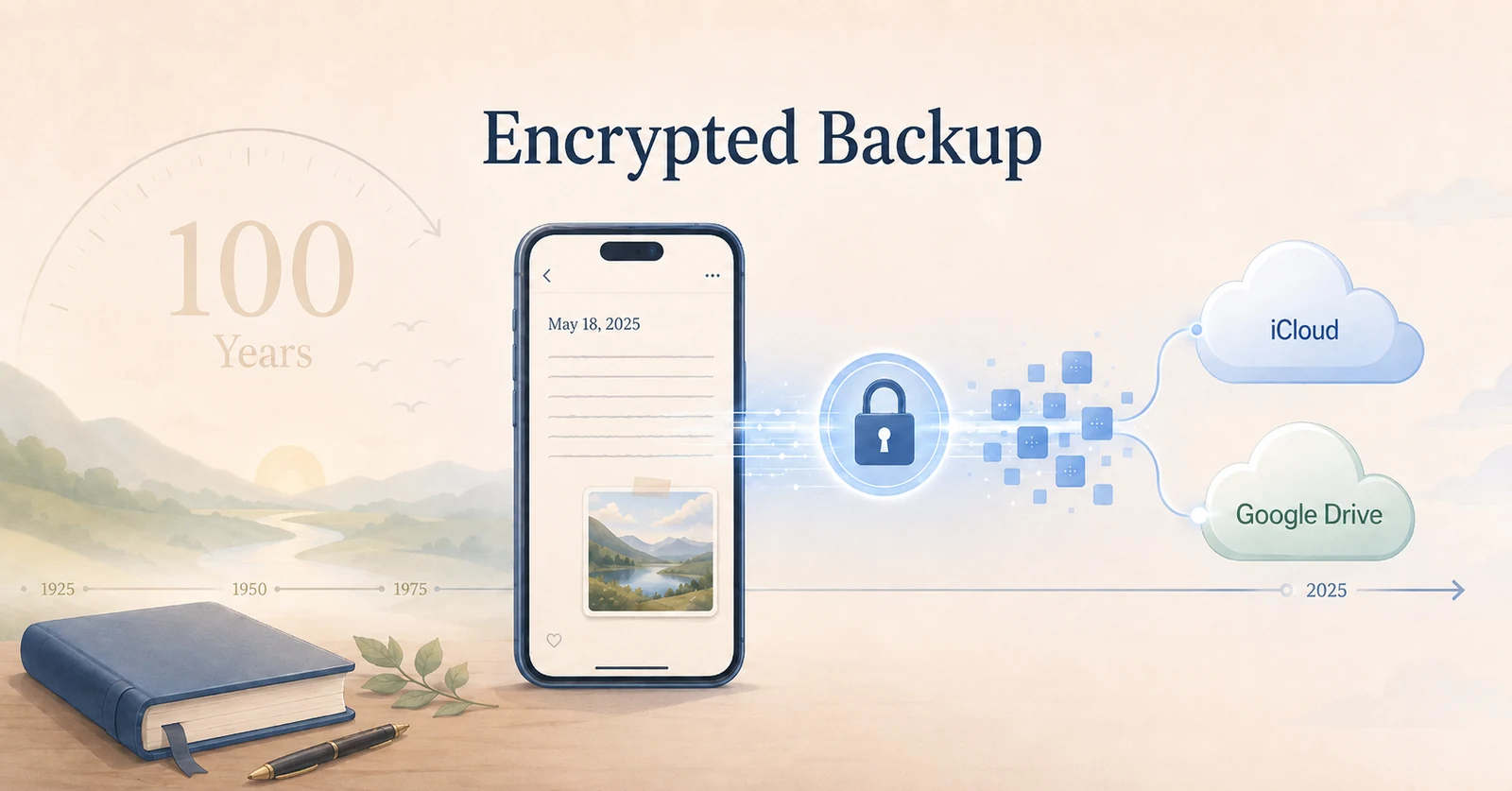
A diary designed to last for years also needs to survive a lost or broken phone. Version 1.3.0 adds an encrypted recovery backup while keeping the diary local-first.
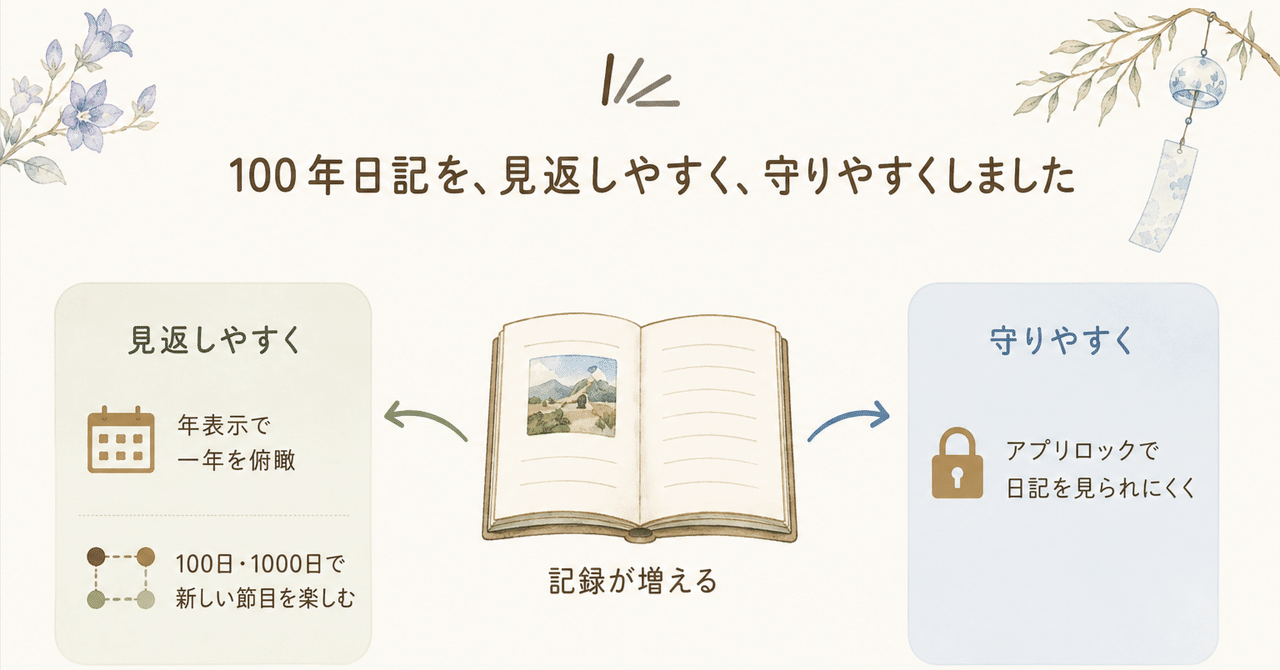
Some milestones only become meaningful later. I added 100-day and 1,000-day views, a yearly calendar, and app lock as the diary grows with you.
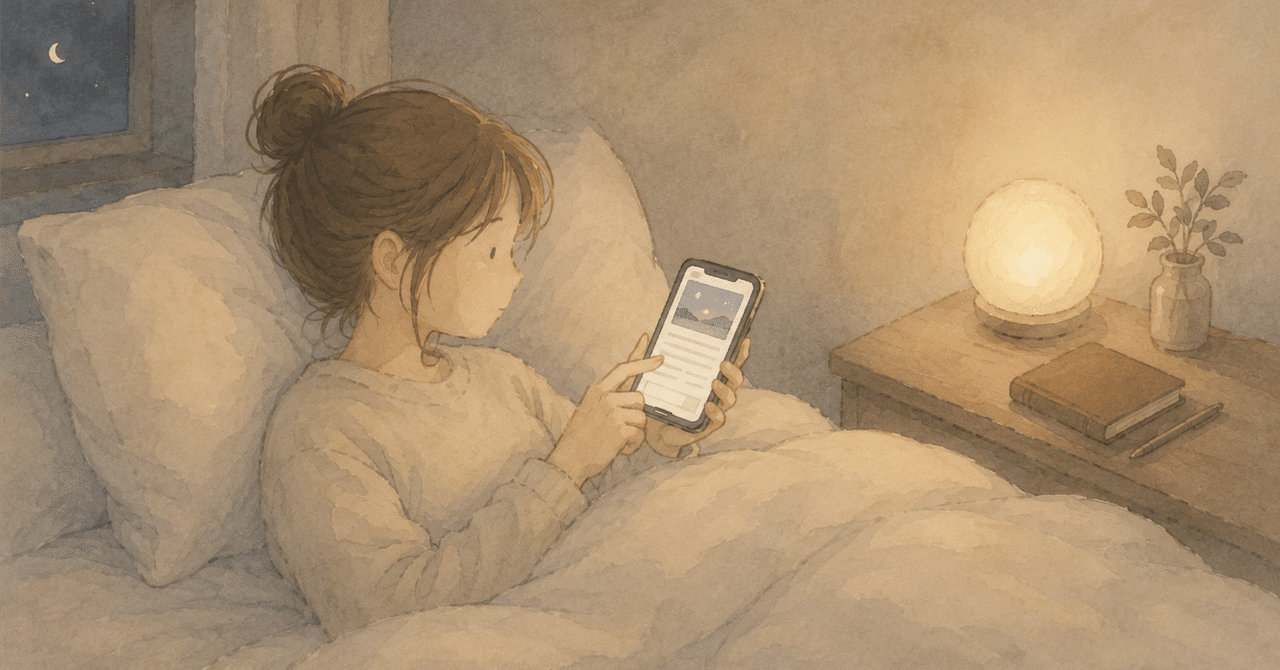
Paper diaries never lasted long for me. After using 100 Year Diary for more than a month, I started to understand why this format has been easier to keep going.
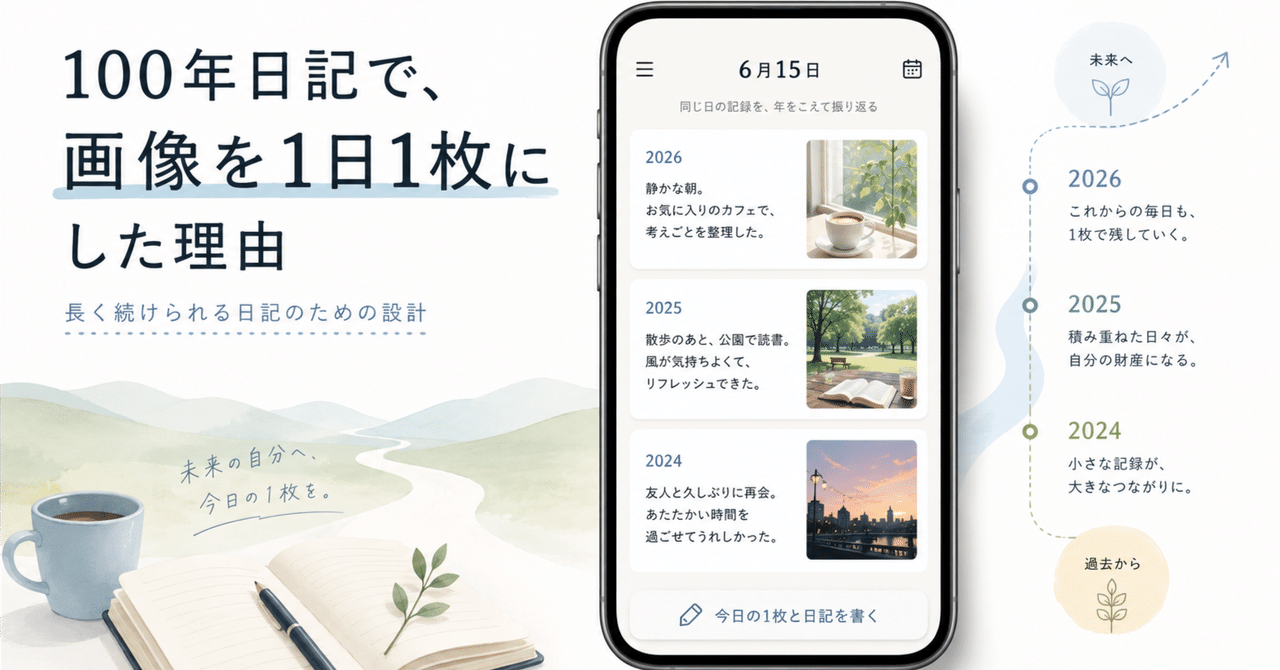
More photos would be more flexible, but one photo keeps daily writing lighter and makes years of entries easier to revisit together.
We use Google Analytics to understand how this website is found and improve it. Google Analytics loads only if you allow analytics. Privacy Policy