Revisit the same date across years
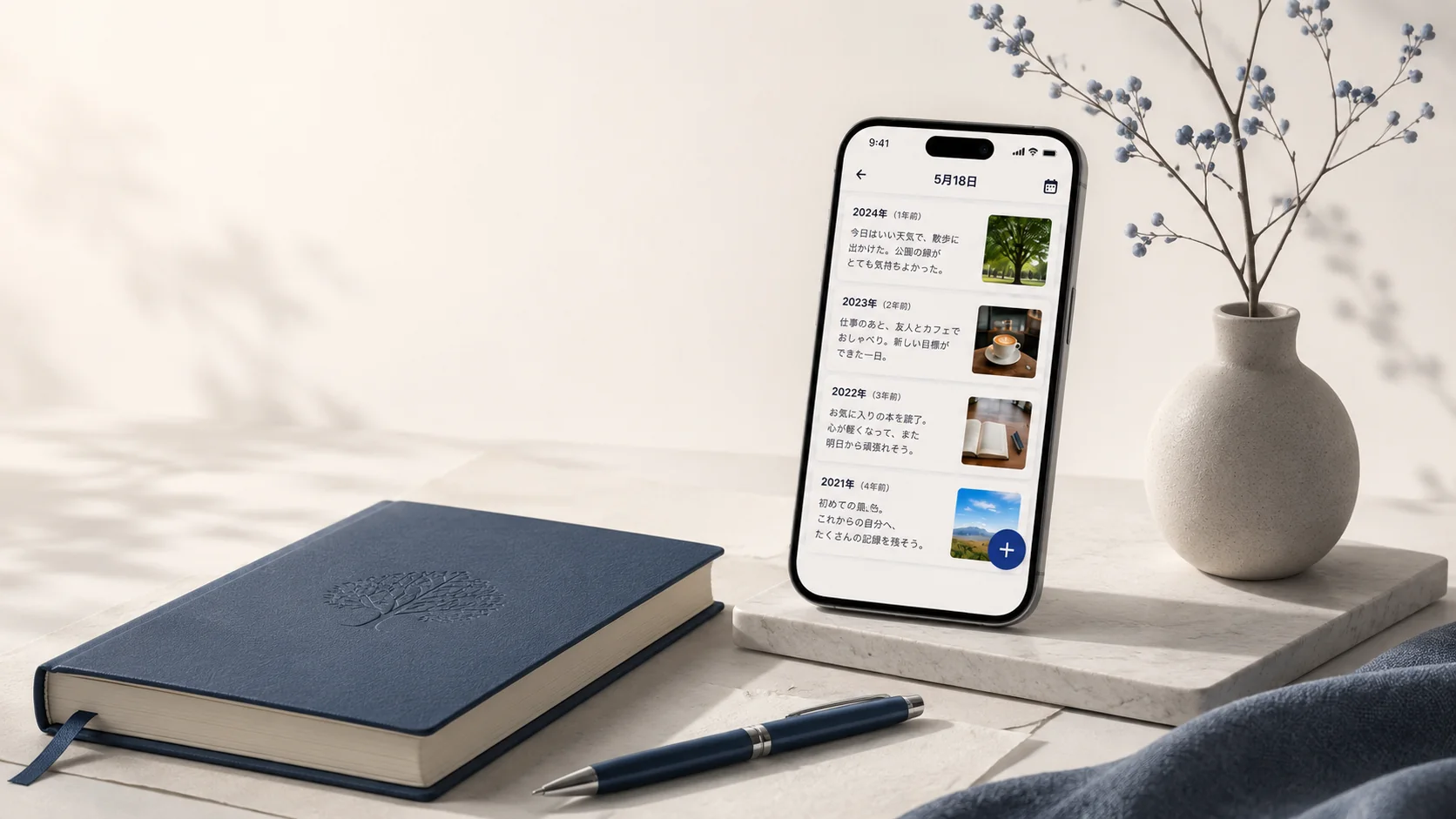
Entries from the same month and day appear together. You can also revisit 100- and 1,000-day milestones or scan all 12 months in the yearly calendar.
 100 Year Diary Journal
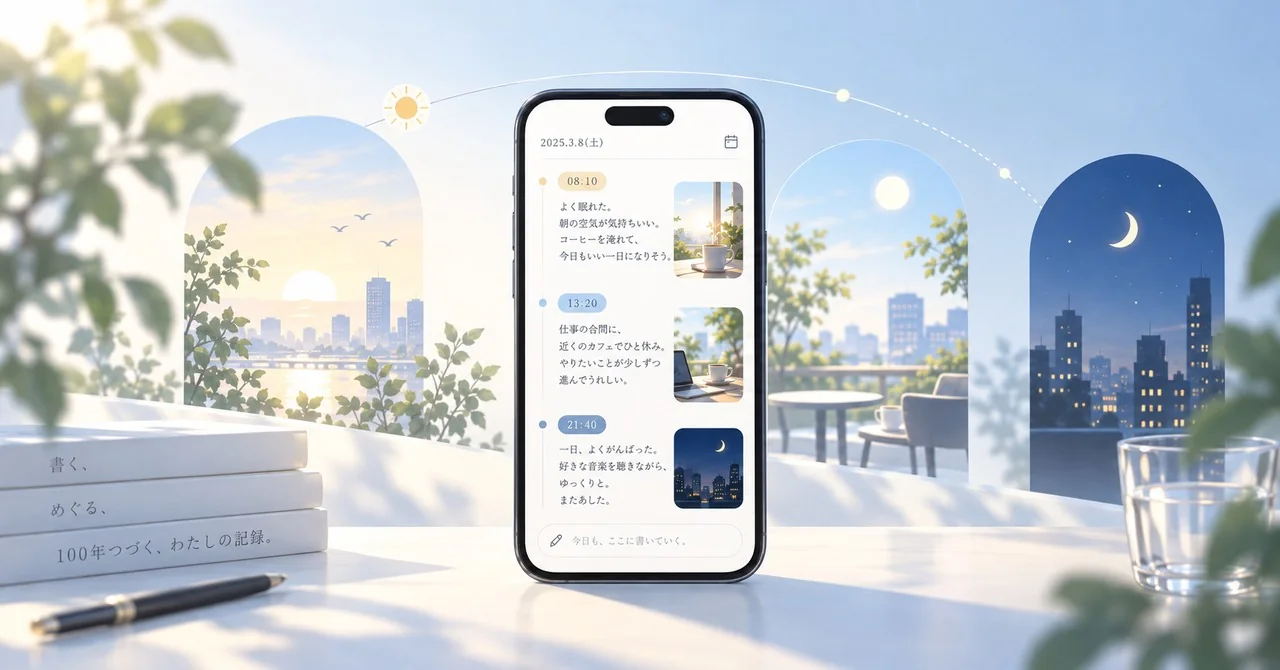
The same day, year after year
What you write today will sit beside your past self when this date comes around again.
No account needed. Diary content stays on your device, and you can export your data as a Zip file whenever you want.


Experience
The point is not just to store daily notes. It is to let time bring an earlier version of you back into view.
Entries from the same month and day appear together. You can also revisit 100- and 1,000-day milestones or scan all 12 months in the yearly calendar.
Choose when an older entry should return to you: before an anniversary, or 100, 500, or 1,000 days later.
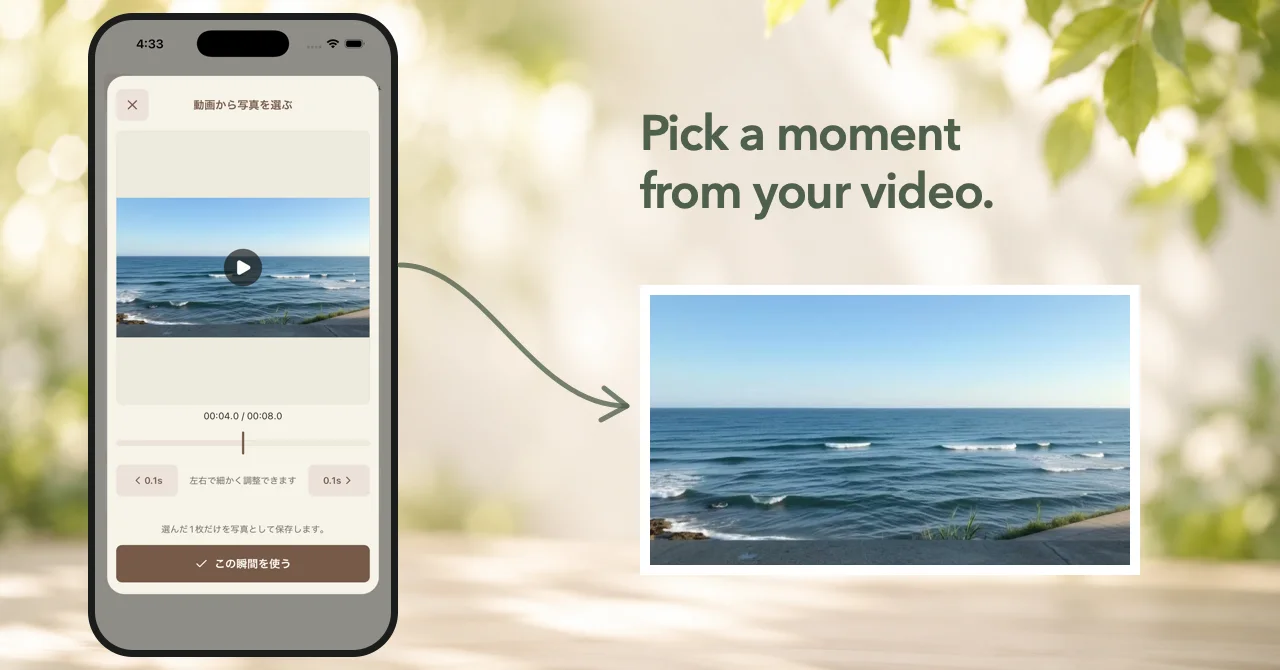
Add a single image that helps you remember the atmosphere of the day without turning the diary into a photo library.
Built to last
No sign-in is required. Your diary entries are stored on your device.
Protect your diary with Face ID, Touch ID, fingerprint authentication, or your device passcode.
Export your diary and photos as a Zip file, import them again when needed, or save a print-friendly PDF.
On iOS and Android, you can hide in-app ads with a one-time purchase.
Privacy
Your diary entries and photos are not sent for advertising or app usage analytics. Cloud backup is off by default. If you enable it, the app encrypts the backup before storing it in your own iCloud or Google Drive account; diary text and photos are not sent to a server managed by the developer.

Stories
Download
Available for iPhone and Android. A few lines today are enough to give your future self something to return to.
Version 1.7.4 is now available on iOS and Android. The yearly calendar no longer shows extra cells outside each month, and buttons and retry actions are more consistent. We also improved iOS permission text when the app is used in English.
Version 1.7.3 for iOS fixes an issue that could prevent both individual theme purchases and Theme Pass from being available. We also added a retry option when Theme Store purchase information cannot be loaded.
Version 1.7.2 is now available. We refined buttons, toggles, and other controls across settings, themes, backup, and several other screens to make the app easier to use.