
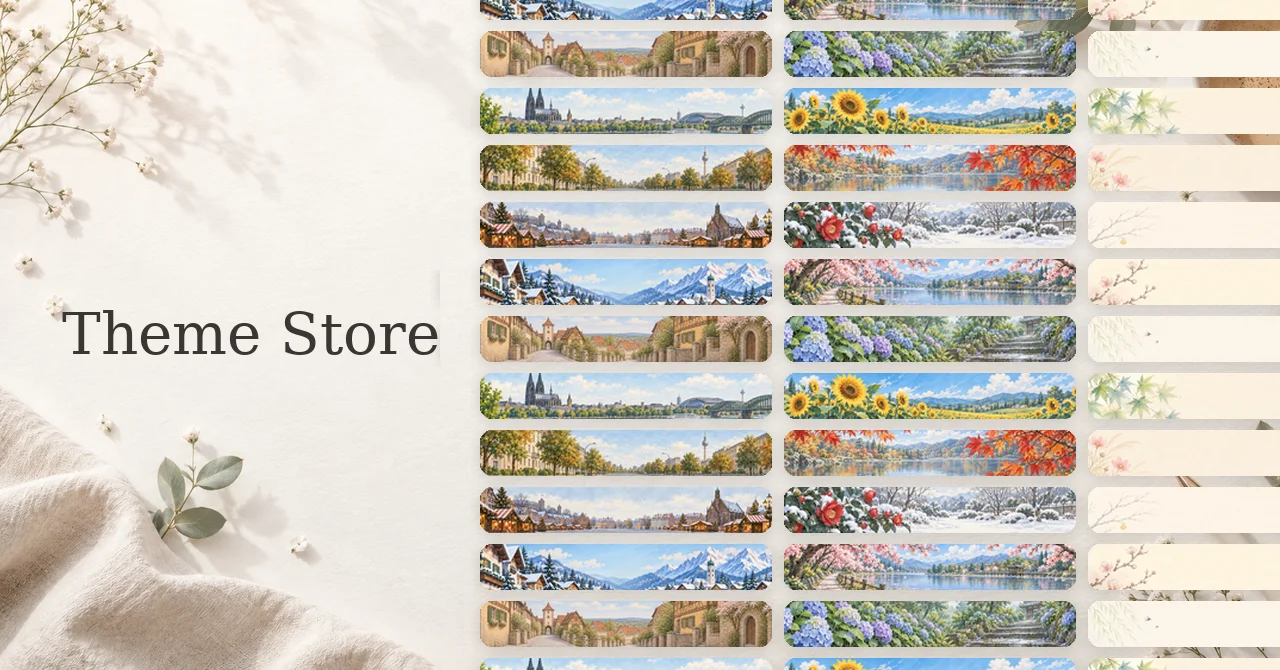
Version 1.6.0 adds Theme Store, a place to change the look of your diary to something that feels more like your own.
One reason I decided to expand themes was the existing “24 Solar Terms” theme. Its scenery changes gradually with the seasons. Looking at usage, roughly one third of people who had changed away from the default theme were using it.
That suggested that people were choosing not only what the diary could do, but also how they wanted it to look.
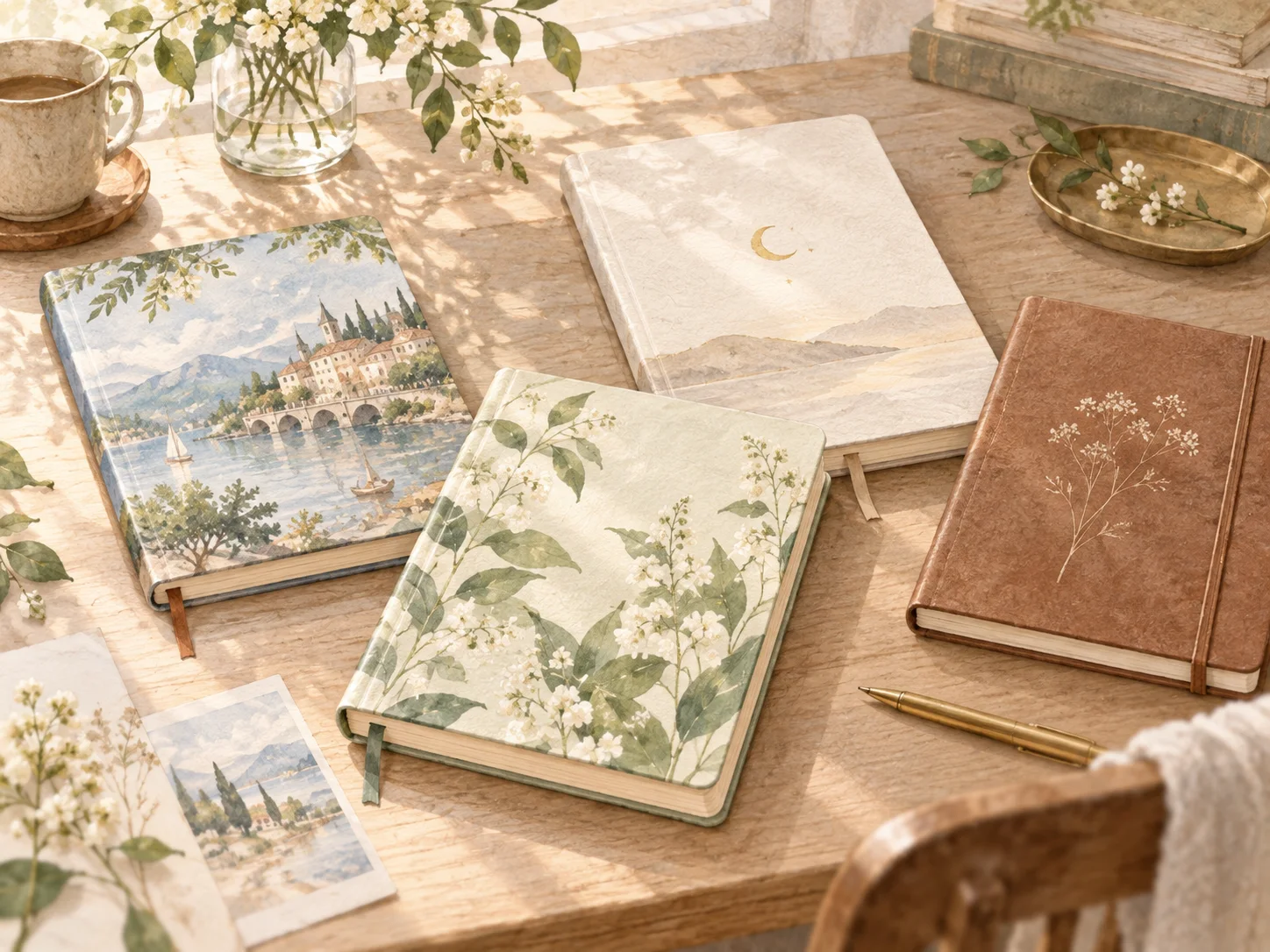
The pleasure of choosing a diary
When choosing a paper diary or planner, features are not the only thing that matters.
The cover, paper, color, and binding can make a notebook feel more inviting. Sometimes simply buying a diary you like makes you want to open it and keep writing.
I wanted to bring some of that feeling into 100 Year Diary.
Version 1.6.0 expands the earlier theme system into a full Theme Store.
Theme Store
Changing a theme can change the header, background, accent color, and the overall atmosphere of the diary.
Some themes let you choose an accent color. The app icon can also follow the selected theme or seasonal palette, so the change is visible not only inside the app but on the home screen as well.
You can keep one favorite theme for a long time or switch as your mood and the seasons change.
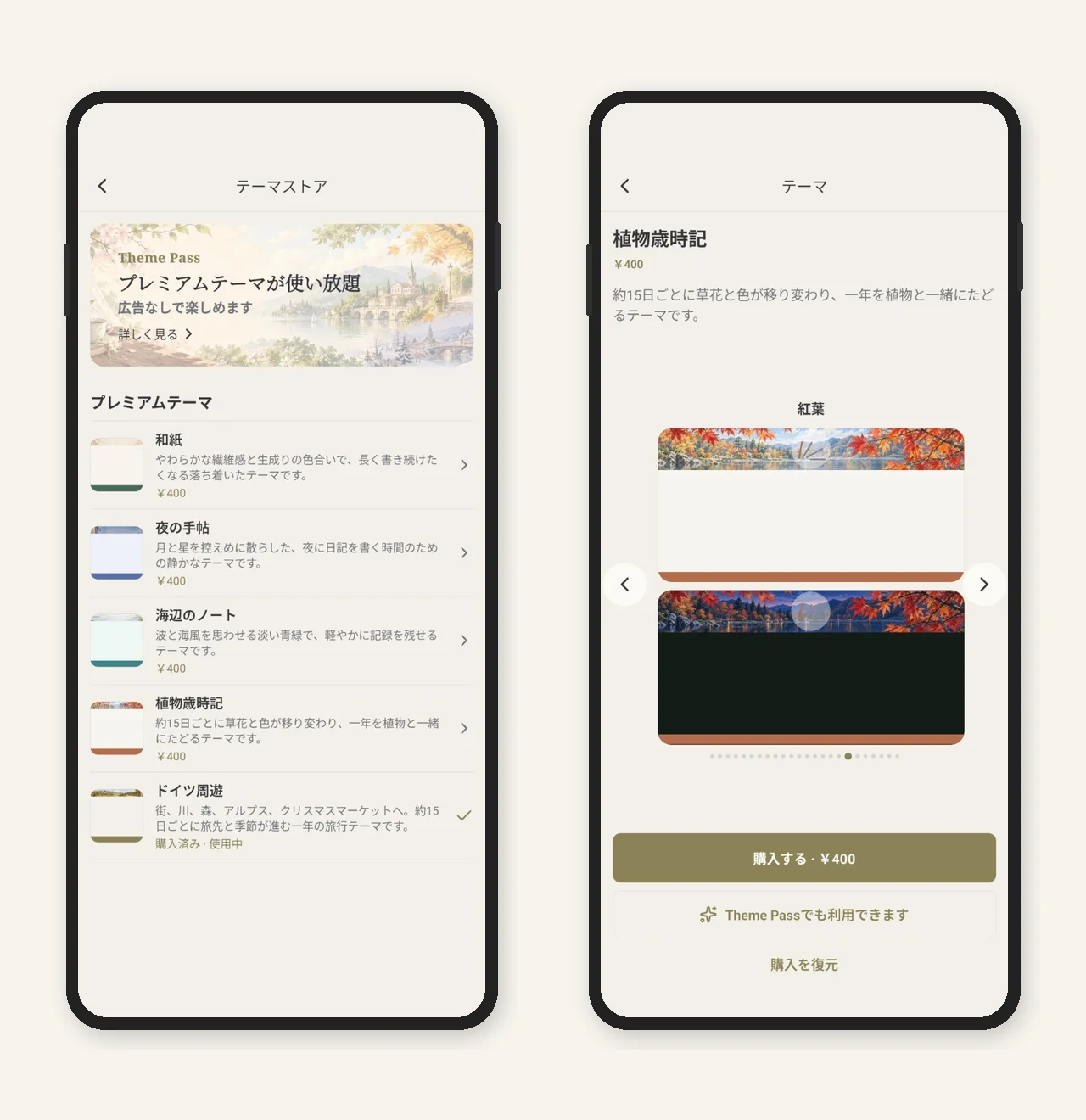
Some of the new themes are designed to change over time rather than stay visually fixed. Two examples are Botanical Almanac and Journey Through Germany.
Botanical Almanac
Botanical Almanac follows seasonal plants and the scenery around them.
The scene changes about every 15 days. As the season moves forward, different plants and landscapes appear above your diary.
Rather than showing flowers in isolation, each variant includes the place around them: a garden, a path, water, or another setting. Light and Dark appearances are separate scenes designed for their respective moods.

Scene at publication: autumn maple
Red maple leaves color a quiet waterside garden, with branches framing the view and a sense of depth beyond them.
Journey Through Germany
Journey Through Germany moves through different parts of the country over the course of a year, with the destination and season changing about every 15 days.
The aim is not simply to swap landmarks. The sequence is designed to feel like an ongoing trip: walking through a city, looking across the water, then moving on to the next place. Light uses daytime travel scenes, while Dark uses night or blue-hour versions.

Destination at publication: Potsdam
The scene follows a walk around Sanssouci Palace and its gardens, with the feeling of traveling onward rather than simply viewing a landmark.
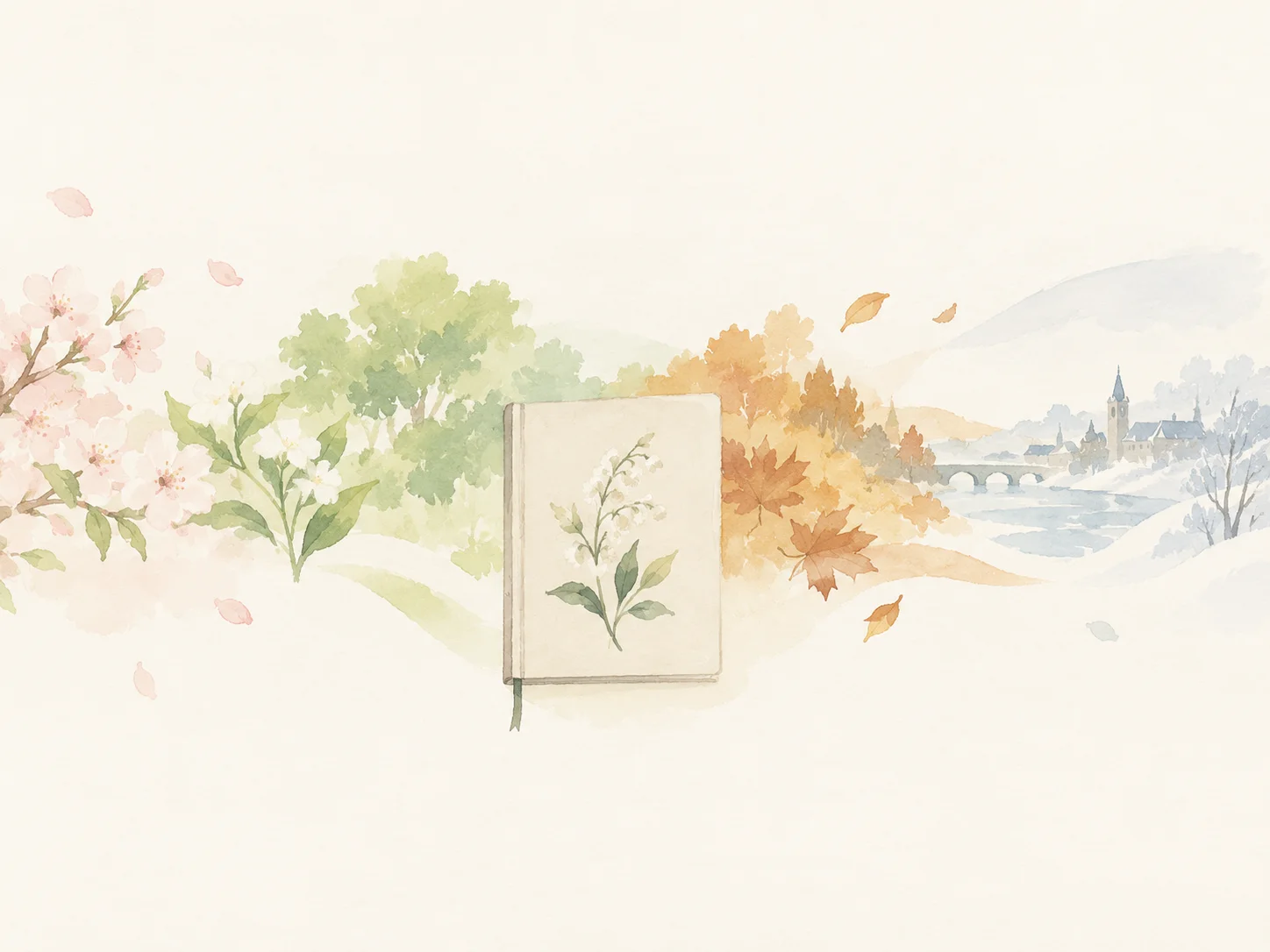
Themes that change with time
The 24 Solar Terms, Botanical Almanac, and Journey Through Germany share the same idea: the theme is not only the design you choose on the first day.
As the date changes, the scenery changes too. Seasonal plants move on, and the journey advances to another place. Even if you keep the same theme, you eventually encounter a different view.
A paper diary changes as pages accumulate and the notebook becomes familiar in your hands. I want a digital diary to have its own sense of change over time as well.
Individual purchases and Theme Pass
If you want to keep one theme, you can purchase it individually.
If you prefer trying different themes, Theme Pass gives access to eligible premium themes and also removes ads while the subscription is active.
Premium themes are downloaded only when needed, and themes you no longer use can be removed from device storage.
None of these choices change the diary entries you have already written. They only change the way your diary looks.
More themes over time
Theme Store is not meant to be finished with this release. I plan to keep adding seasonal, travel, simple, and other styles.
100 Year Diary is designed to be used for a long time. For something you may keep for years, I think it matters not only that the features work, but also that it feels like a diary you actually want to use.
Version 1.6.0 also reduces memory use when exporting or importing large Zip archives containing diary entries and photos.