
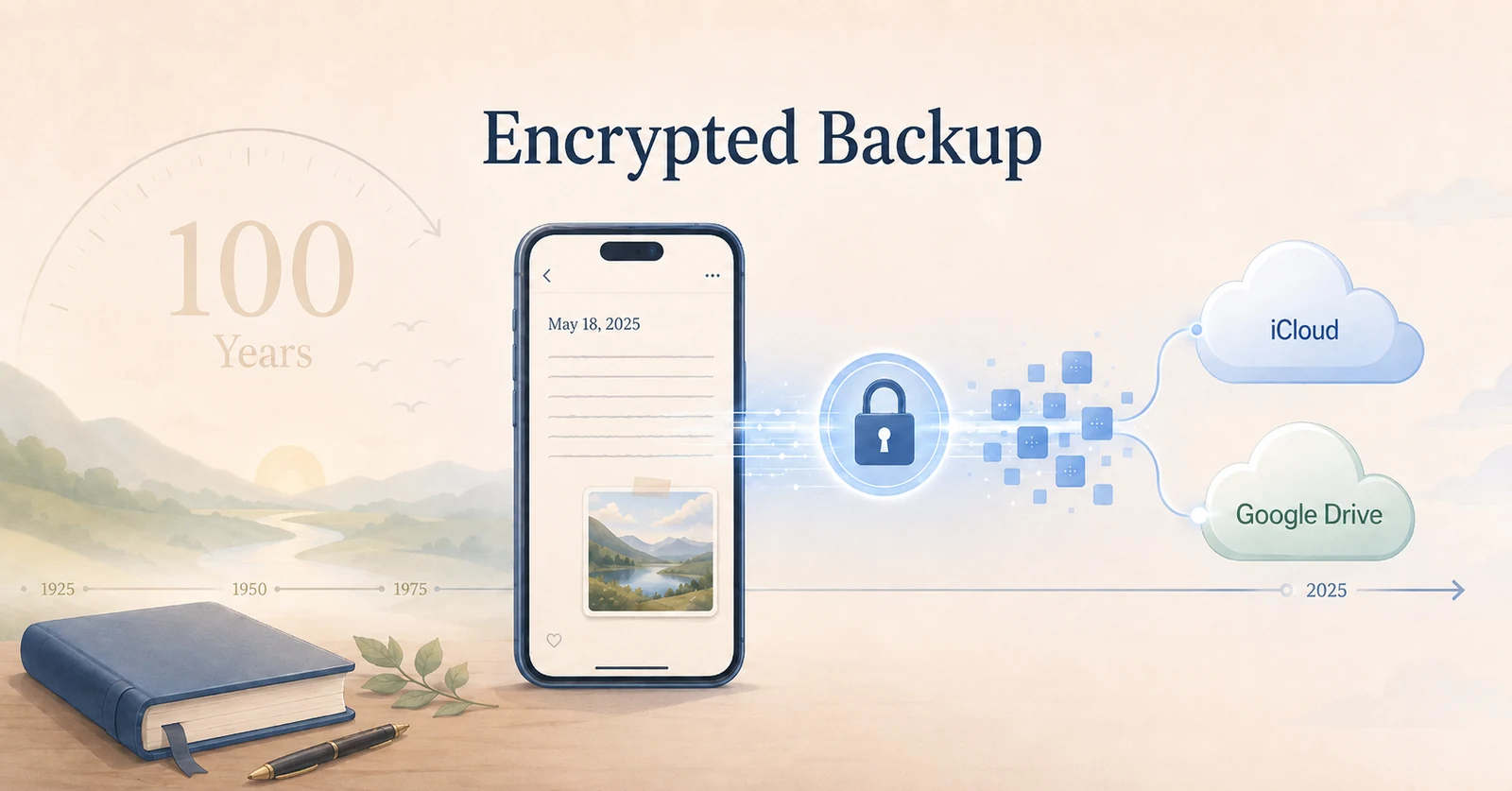
Version 1.3.0 of 100 Year Diary adds encrypted cloud backup.
100 Year Diary is a multi-year journal that lets you place entries from the same month and day next to each other across different years. The longer you use it, the more history accumulates and the more interesting it becomes to revisit the past.
That also makes another question more important: what happens if the phone is lost or breaks? I had been treating that as an unresolved part of a diary designed for long-term use, so version 1.3.0 adds a recovery-oriented cloud backup.
Preparing for a lost or broken device
The name “100 Year Diary” is intentionally ambitious. I want the diary to remain useful for as long as possible.
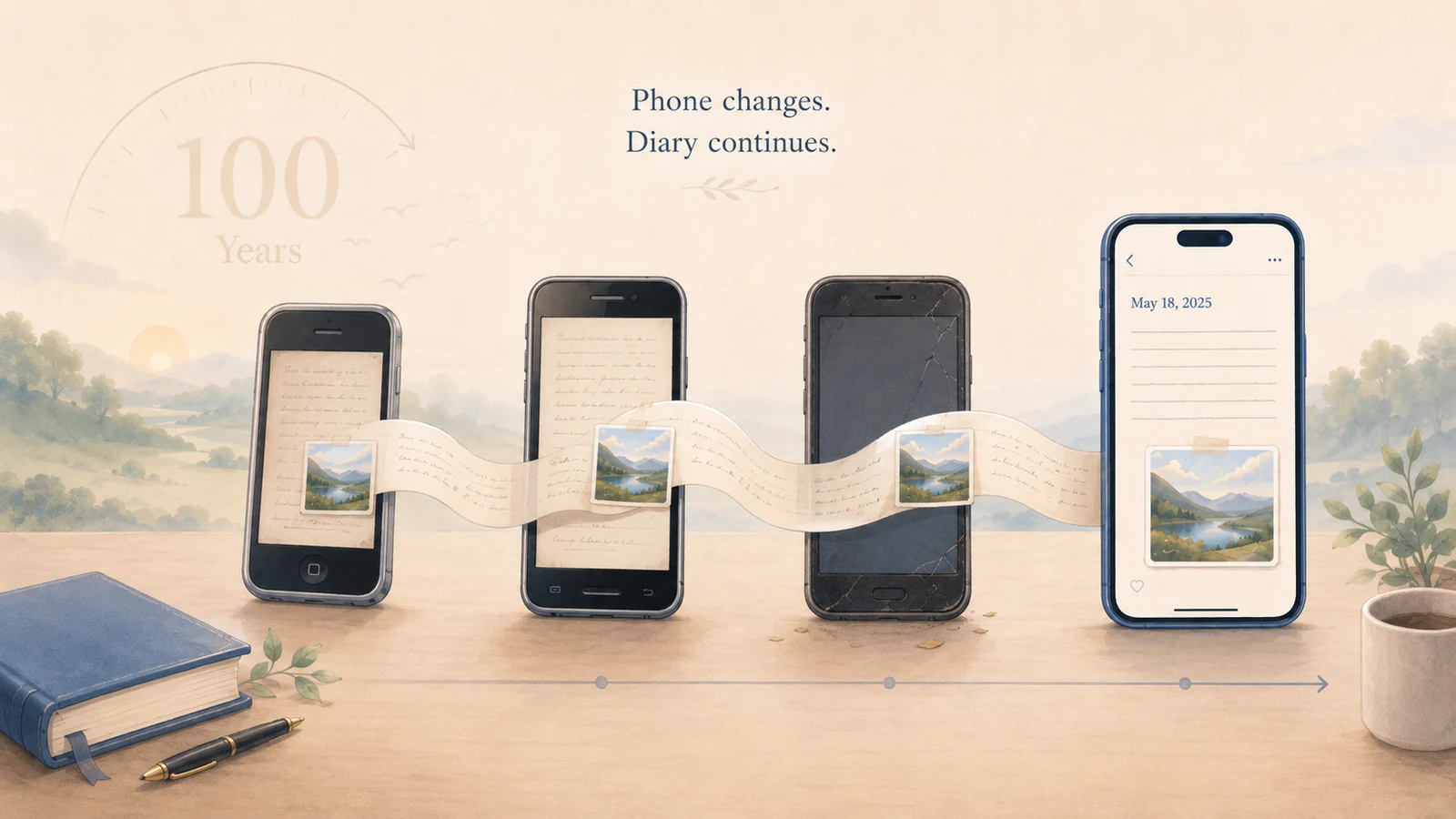
But no one will use the same phone for a hundred years. Devices fail, get lost, are replaced, reset, and reinstalled. If the diary is meant to accumulate value over time, losing the device should not automatically mean losing the history stored in it.
That is why a long-running diary needs a way to restore its records after the device itself is gone.
Why I did not build my own diary storage server
The straightforward approach would be to create a 100 Year Diary account system and store every diary entry on a server operated by the app.
I did not want to start there, because diary data is unusually private. It can contain writing, photos, family events, work, and many other details about everyday life.
If I stored that data on infrastructure operated by 100 Year Diary, I would also take on the long-term responsibility for authentication, access control, breach prevention, backups, and incident response. For a product that is supposed to last, that would be a high-cost solution for both users and the people maintaining the app.
Instead, 100 Year Diary uses cloud storage the user already has. On iPhone, the backup is stored in iCloud. On Android, it is stored in Google Drive.
The primary copy of the diary still stays on the phone. Version 1.3.0 does not change that local-first approach. Cloud backup is an optional recovery layer, and it is off by default until the user enables it.
Encrypting before the backup reaches the cloud
While designing the Google Drive backup, I also thought about what it means to store very private files in a general-purpose cloud storage service.
Google Drive’s current terms explain that Google may review content to determine whether it is illegal or violates its Program Policies, and enforcement can include removing files or restricting access. In some circumstances, access to Google Drive or a Google Account can also be affected.
This does not mean that humans at Google are constantly reading every private file. The terms describe review when needed. Still, automated protection systems are not infallible. In 2017, Google acknowledged a system error that incorrectly marked some legitimate Docs and Drive files as violating its terms and blocked access to them.
A diary is not a file that needs to remain readable to a cloud storage provider in the first place. So 100 Year Diary encrypts diary entries and photos inside the app before uploading them to iCloud or Google Drive.
Keeping the encryption key separate
Encrypting the backup is not enough if the decryption key is stored next to it as an ordinary file.
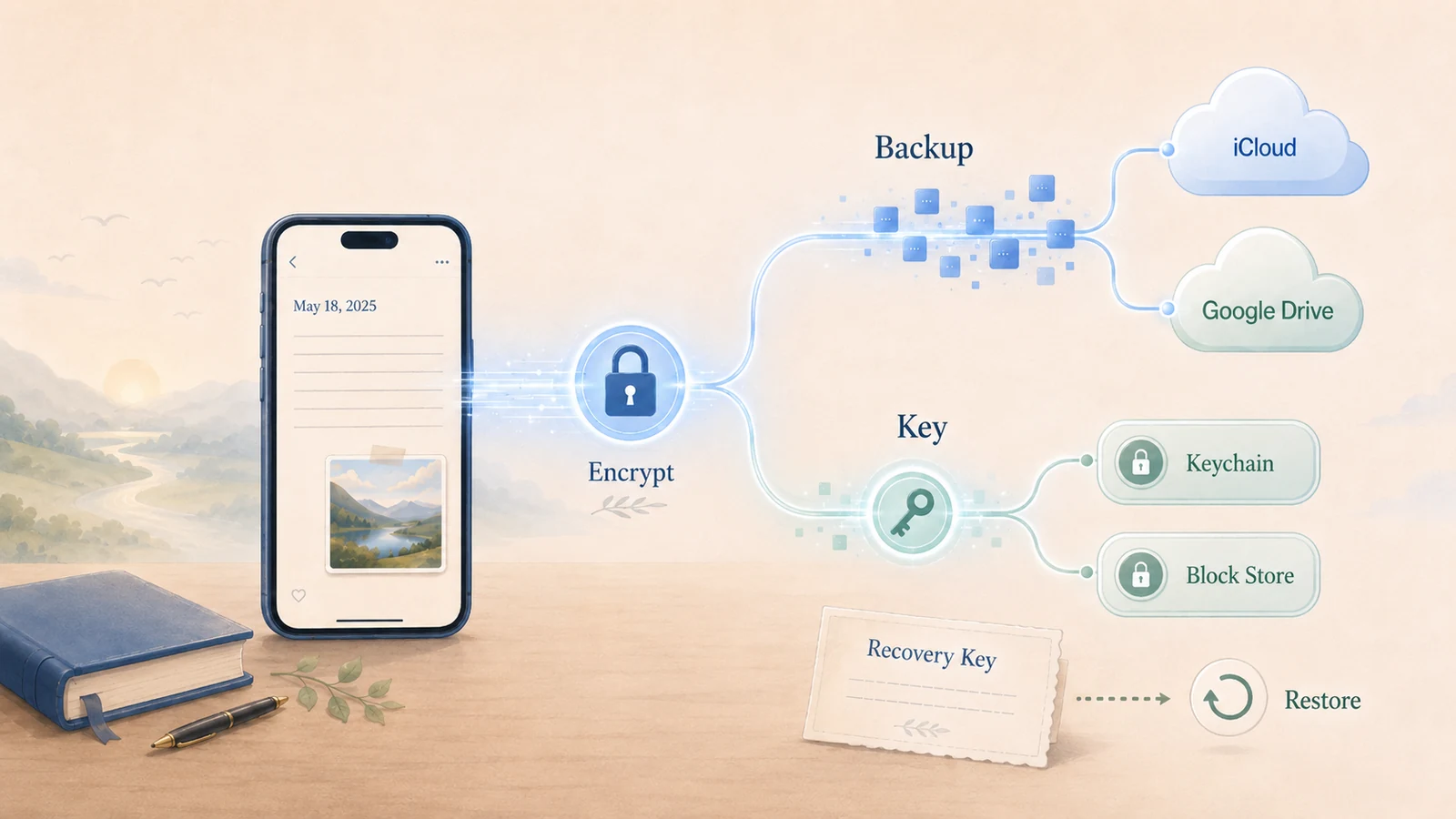
So the backup and its encryption key are managed separately. On iPhone, 100 Year Diary uses iCloud Keychain. On Android, it uses Google’s Block Store, and the key is stored in the cloud only when Block Store can provide end-to-end encrypted storage.
In other words, the encrypted diary lives in iCloud or Google Drive, while the key needed to decrypt it is handled through Keychain or Block Store.
In normal use, the user does not need to remember a long encryption key. When a new device is set up with the same Apple Account or Google Account, the app can normally recover the encryption key through the platform and restore the backup.
There are situations where automatic key recovery may not be available, so the app also shows a recovery key when cloud backup is first enabled. That recovery key can be used to recover the encryption key if the automatic route is unavailable.
What cloud backup cannot solve
This design still depends on Apple or Google’s cloud account infrastructure.
The encrypted backup itself is stored in iCloud or Google Drive. If access to the Apple Account or Google Account is lost, the app cannot fetch that backup. The recovery key can recover the encryption key, but it cannot restore access to the cloud account itself.
That is why the existing Zip export remains available as a separate option.
The three storage methods have different roles: the primary diary stays on the phone, encrypted cloud backup is there for device loss and replacement, and Zip export lets the user keep another copy somewhere independent of Apple or Google.
Cloud backup can run automatically or manually. On a new installation with an empty local diary, entries and photos can be restored from the backup.
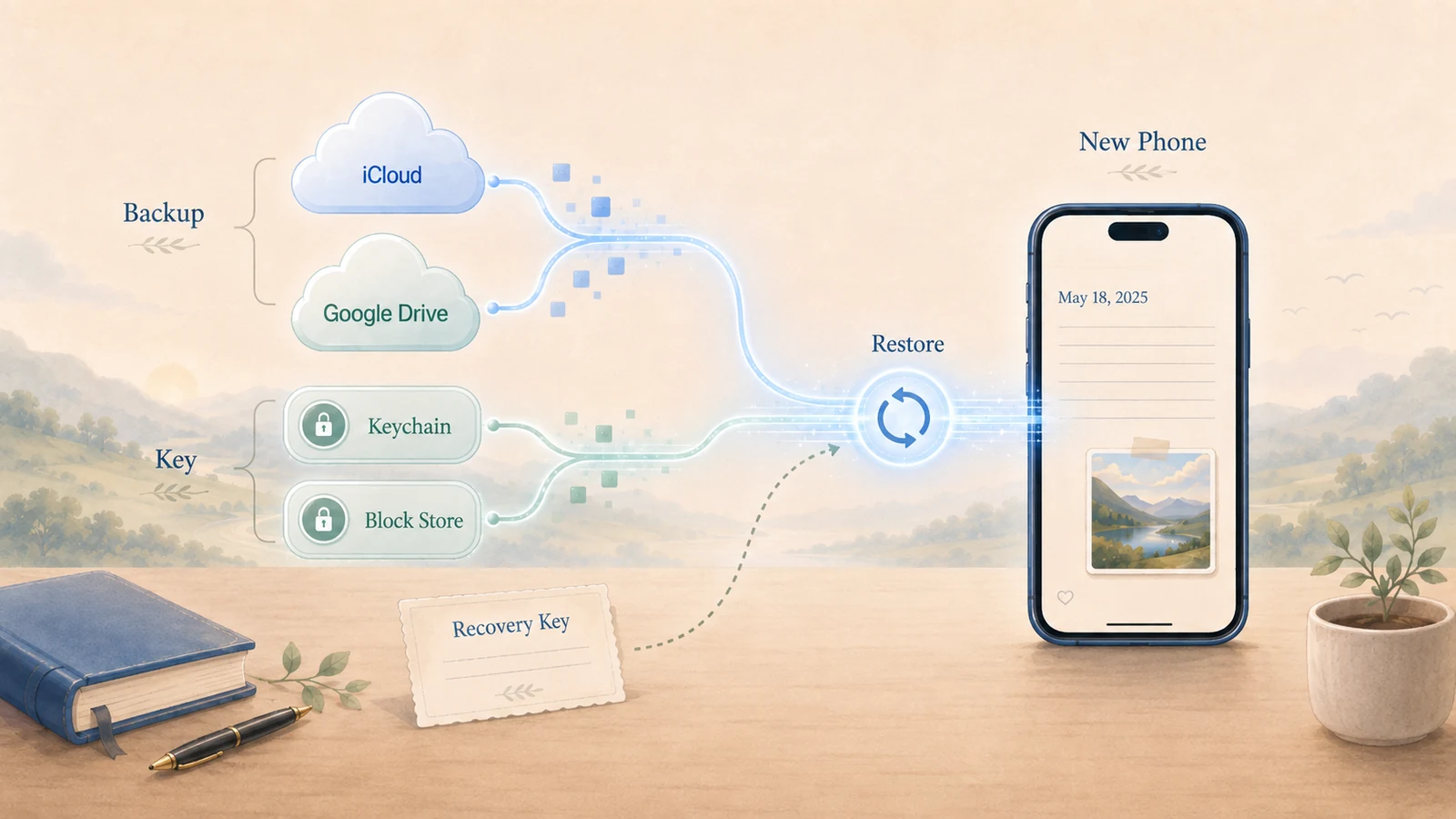
It is not designed as continuous multi-device synchronization. The goal is recovery when the device that currently holds the diary is no longer available.
Designing a diary for a very long time
If I take the “100 year” idea seriously, I have to assume that phones will fail, cloud services will change, and the app itself will face problems over time.
Encrypted cloud backup does not remove every possible risk. But it does move the app away from a situation where losing one phone could mean losing years of writing.
The diary still lives on the user’s device. The difference is that there can now be an encrypted recovery copy in the user’s own cloud account as well.
That is the direction I want to keep following: improving 100 Year Diary around the question of whether it can remain usable and recoverable years from now.